


Характеристики
Function
|
|
|
|
|
|---|---|---|---|
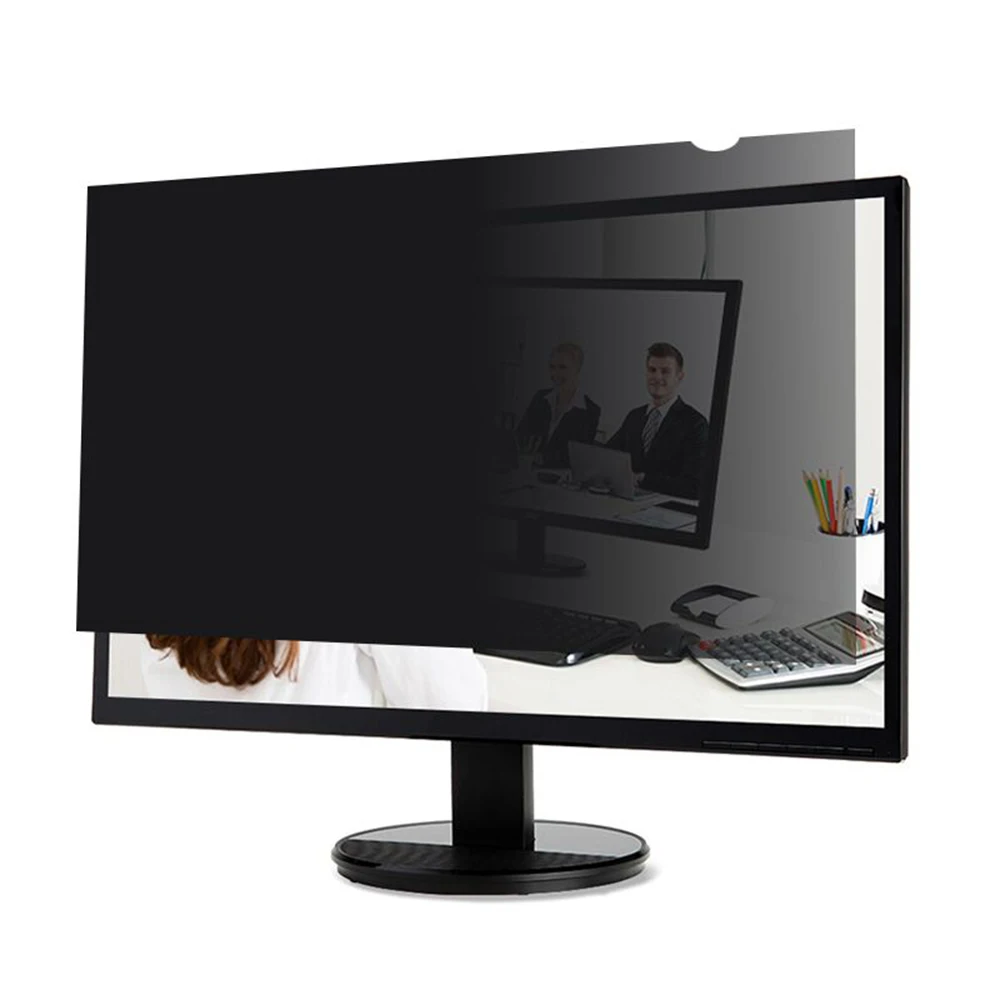
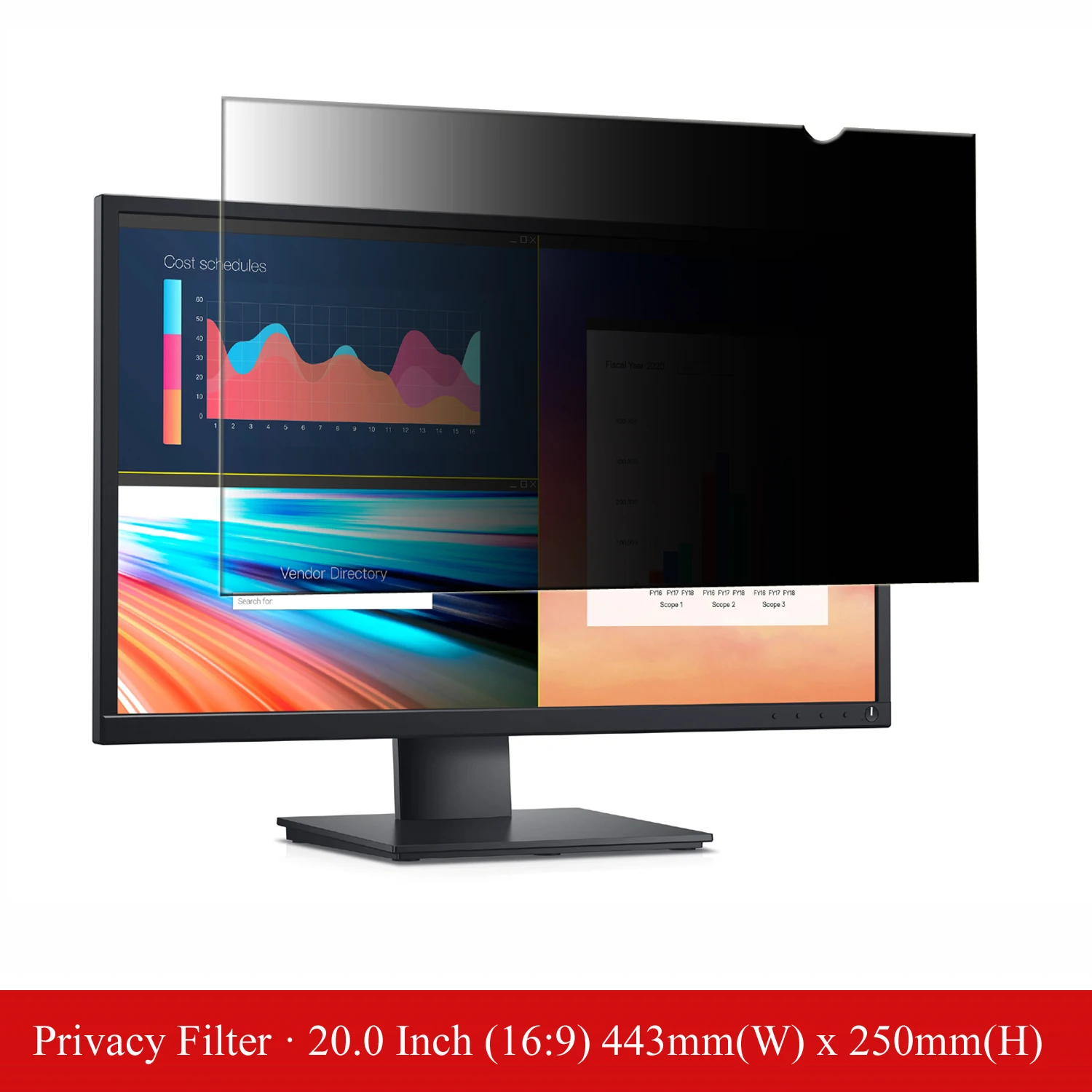
Function 1privacy angle is 30 degrees ±5, transparency is 60%±5, thickness is 0.35mm |
Function 2magnetic attachment installation, easy to install and peel off, removes it at any time without bubble. |
Function 3make webcam blocker on if you need (in case you are feeling the hacker is watching you), or off if you do not need. |
Function 4anti-glare feature and blocks blue light 35%, prevents reflection under strong light environment |


ZVRUA privacy filter works on the all the places you want
ZVRUA privacy filter works on the all the places you want, commercial conference, open style office, financial institutions, coffee shop, airplane, subway etc., protects any sensitive information leaked.
lnstallation lnstallations
|
|
|
|
|
|---|---|---|---|
step 1Take the filter out from packaged clean your screen. |
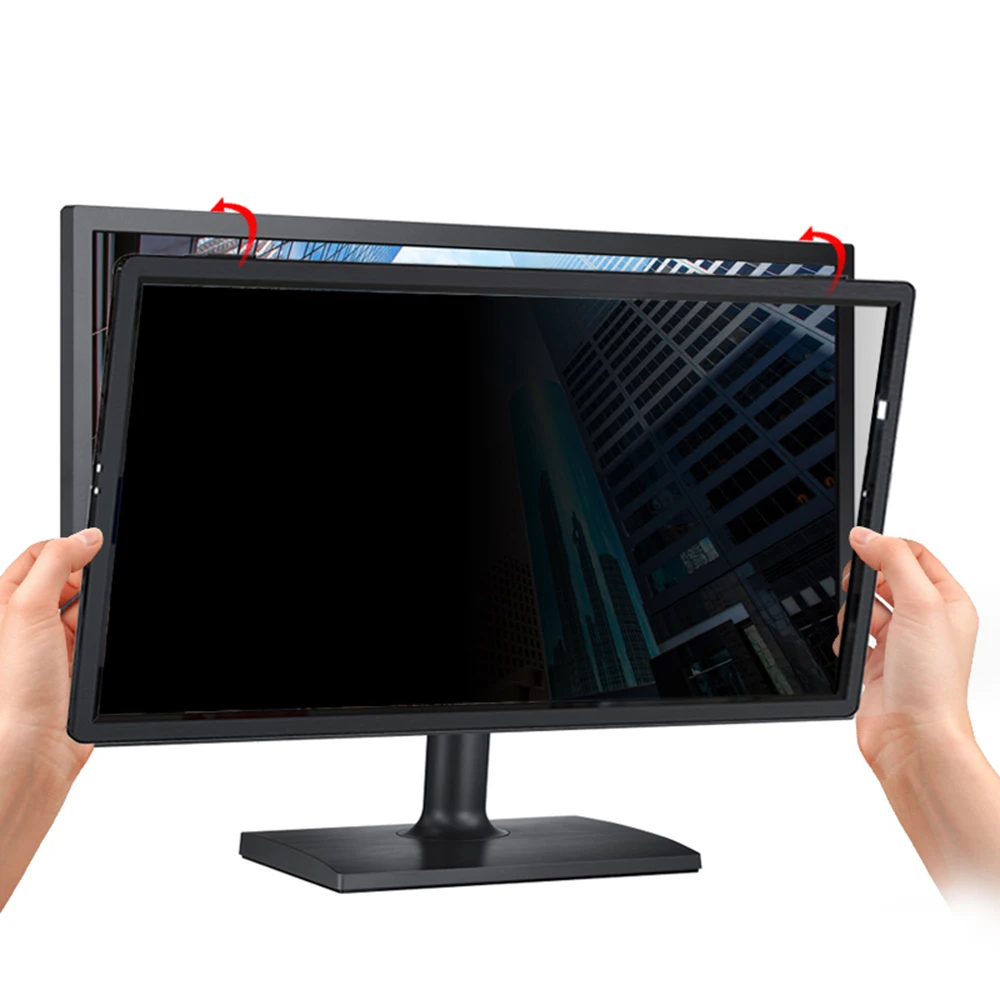
step 2Align the top of the screen with magnetic strip. |
step 3Fold the bottom of the filter toward to display. |
step 4Silicone sticker helps to avoid any lifting due to removing the filter often. |


Tips:
Tips: Privacy feature appears difference under different screen brightness and user environment, the lower screen brightness to 50-75%, the better privacy, the stronger sunshine light, the better privacy feature too.
If you need a perfect closing on your MacBook, please remove the privacy filter, or it leaves a small gap when MacBook closed. It does not effect the power nap mode, if you peel off the filter often, the corner may be a bit lifted, please use the removable silicone sticker, it is total clear and stays the same feature on filter and MacBook.
If you have any doubts on product or installation, we will do everything within our power to make sure you are satisfied.



Отзывы о Магнитный фильтр конфиденциальности экрана Защитная пленка с веб-камерой крышка
Отзывы о товарах