


Характеристики
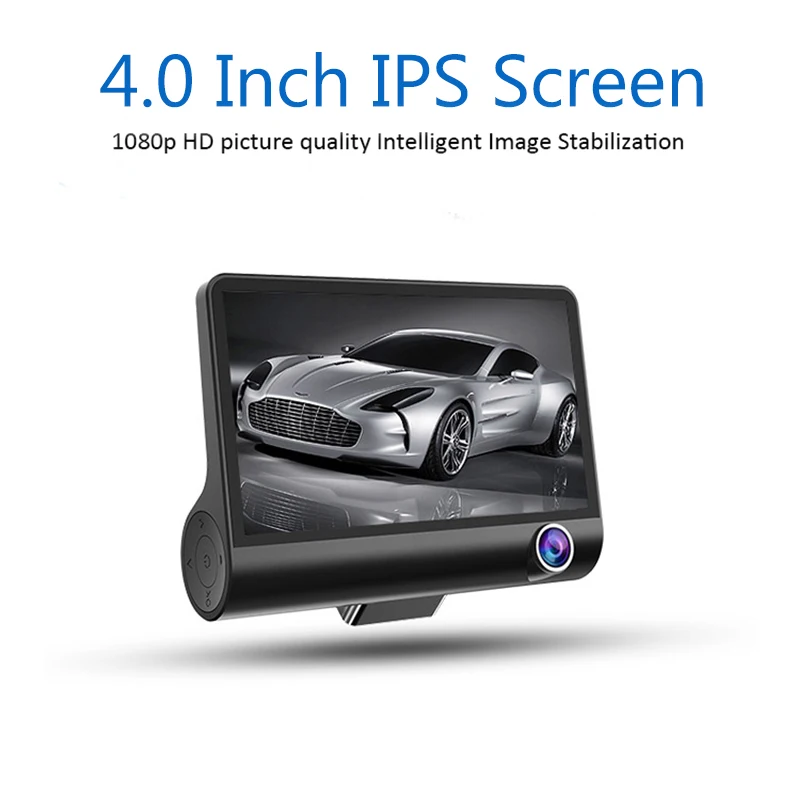
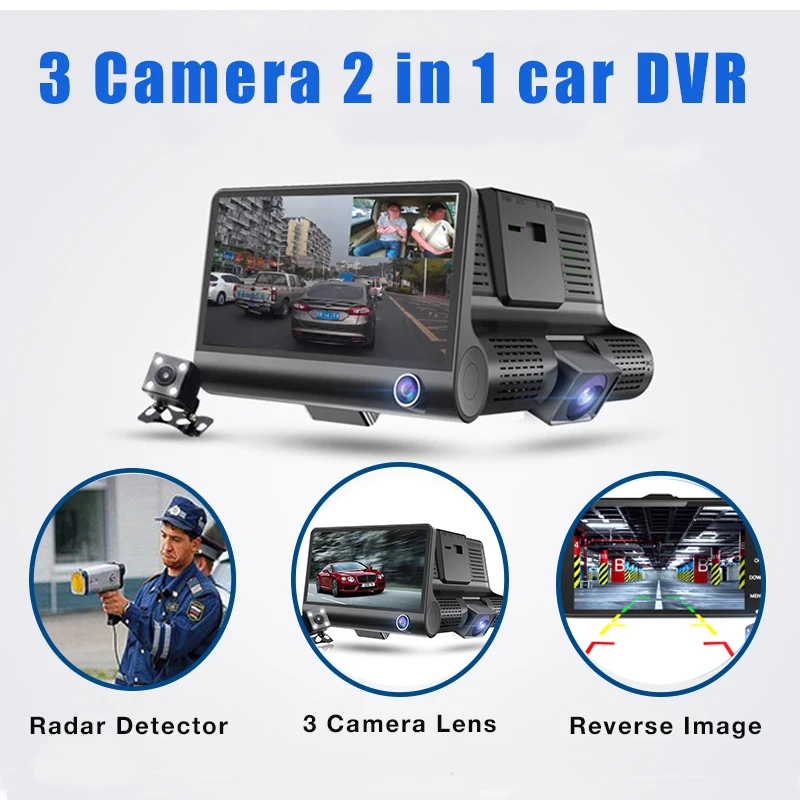
4.0" DVR Camera 2 in 1 Car Radar Detector Russian & English version FHD 1080P Speedcam Anti Radar Detector Dash Cam three lens
1.Using automatic recording function.
Start car engine-recording will start.Stop car engine-recording will stop and device will shutdown.Recorded video files are saved at TF-card.If TF-card will not enough free memory for a new records-it will overwrite the old files.
a)Time segment of records can be set in settings.
b)Video files are saving at TF-card in folders<DCIMA>and <DCIMB>
2.Using Motion Detection.
In standby mode,open the settings menu to enable motion detection mode.When the lens is sensitive to the peripheral area of a moving object,device will start recording for a 30 seconds.
3.G-Sensor(accelerometer).
The built-in gravity sensor(G-sensor)allow you to record and lock video during the incident.Start recording will be the time for 5 seconds before the accident,the end of the recording after 10 seconds.Protected video will be saved in a special way and can not be overwritten by device.
Note:In the settings menu you can set the desired value of the sensitivity of the G-Sensor.
4.Delete protection.
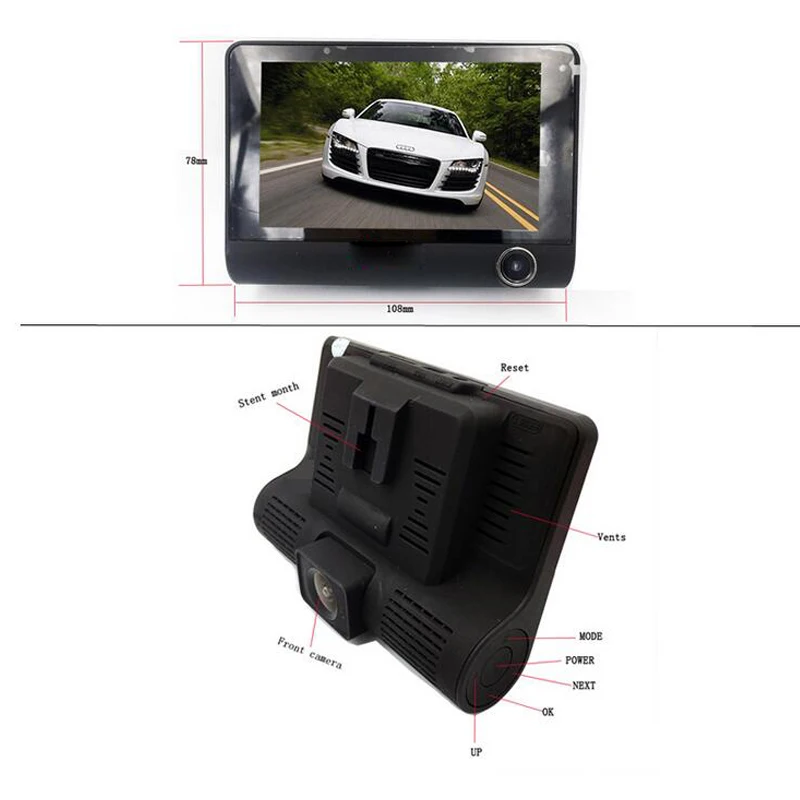
To activate the protect mode from deleting video,press the button <M> in video mode.
5.Time and date settings.
In photo or video mode press<M> to open settings menu,select time/date settings,short press<OK> to confirm changes and back to menu.To close settings menu press<M>.
Note:it is recommended to set the settings of the date and time before using the device.
6.Playback mode.
In playback mode press<OK> to start playing.To close this mode press<M>.
7.Parking monitoring.
To use this feature,you device must be connected to the power supply,switching on the modes of motion detection and parking monitoring.In standby mode the device will automatically begin recording for a 30 seconds if it will fixed any motion or vibration.After 5 seconds with no action,the device will turn off.
Note:you can use and operate this function only during parking of the vehicle.Use while driving can lead to errors.
8.Rear camera.
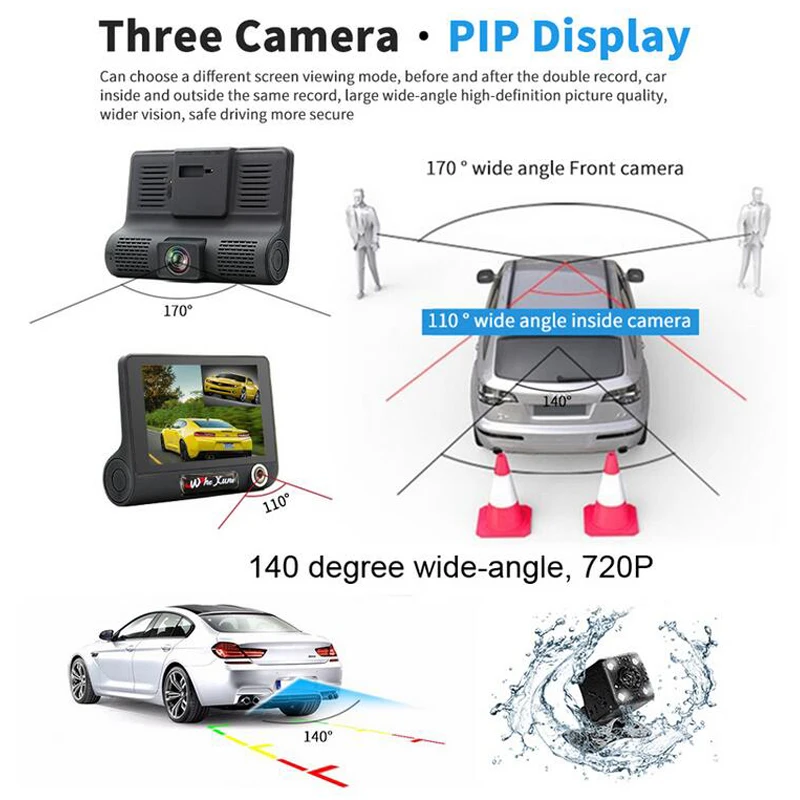
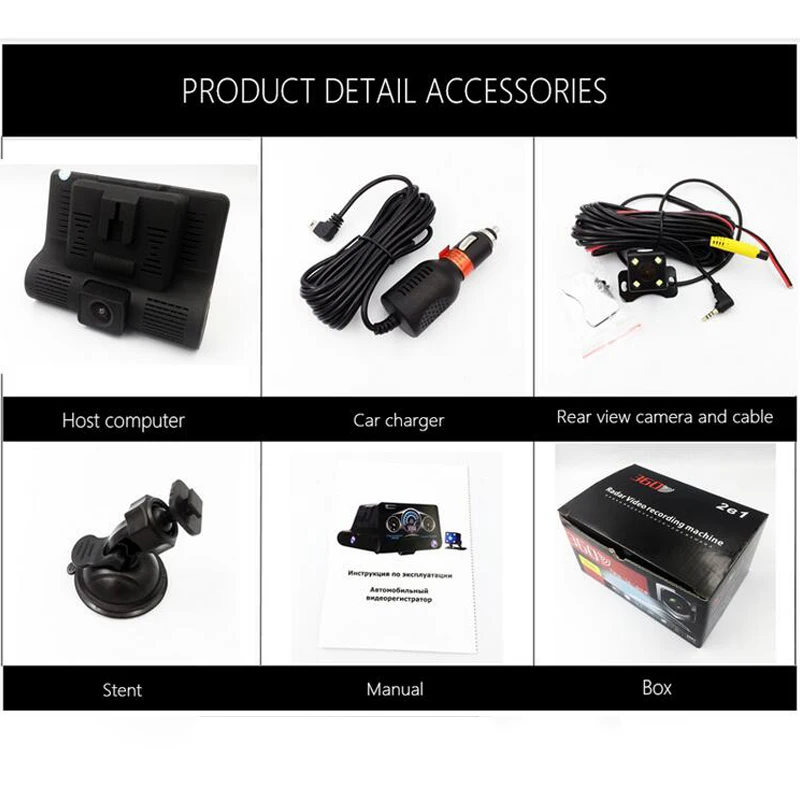
To connect,Insert the plug into the AV input on the device.On the screen in the upper right corner will display the image from the back camera.Short press<OK> to pause.Long press the UP to switch the types of ront and rear cameras.when reverse gear is on,the whole screeen will display the image from the rear camera.
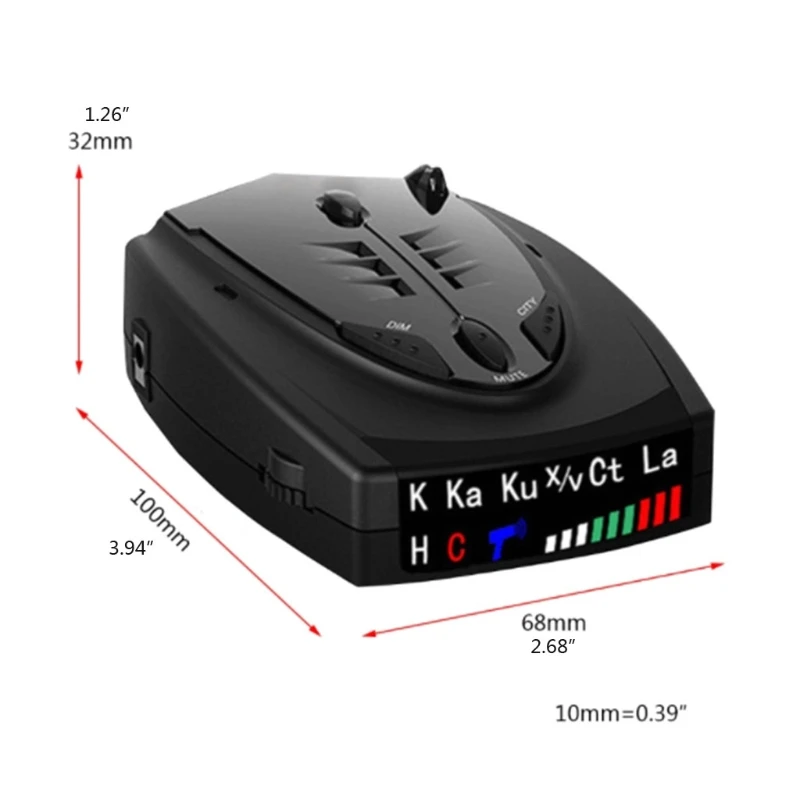
9.Using Radar-detector
In recording mode,Long press<OK>-switching between camera and radar modes.
it has city/highway modes.






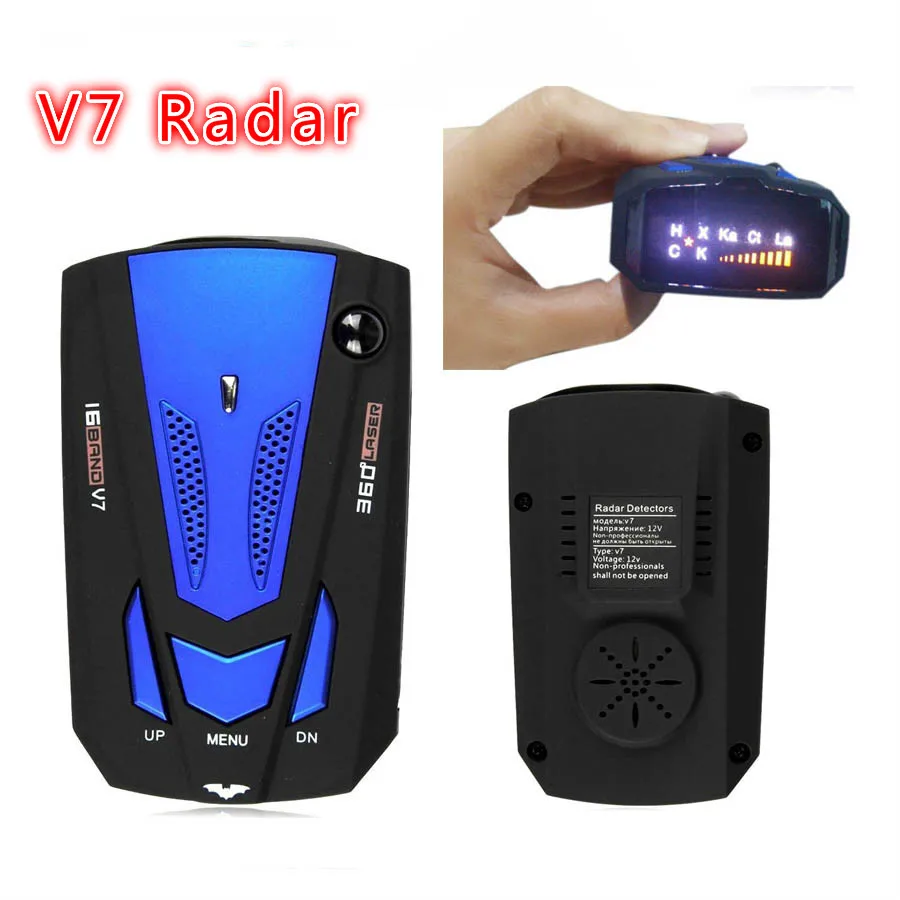


Отзывы о 4.0" DVR Camera 2 in 1 Car Radar Detector Russian & English version FHD 1080P Speedcam Anti Dash Cam three lens | Автомобили и
Отзывы о товарах