


Характеристики
Wired mode
3.5mm audio interface
USB5V power supply interface
1.7 color LED light
2. Power switch/volume adjustment knob
3.7 color LED light switch button
4.3.5mm audio input: plug in the audio output interface of the connected device
5. USB5V power input: it can be directly plugged into the computer's USB port for power supply, or it can be connected to
Use directly on the power conversion head (such as mobile phone charger).
Bluetooth mode
1. Turn on the power switch, there will be a beep when booting, the default is Bluetooth mode. Then turn on the mobile phone or other bluetooth device, search for the corresponding bluetooth name "V8", click connect, there will be
Prompt tone. You can play music.
2. After connecting with the mobile phone once, Bluetooth has a memory function. After power on, it can be automatically connected or need to be connected manually according to different types of mobile phones.
3. Disconnect Bluetooth mode, insert AUX to automatically switch AUX playback mode, and automatically disconnect AUX playback mode when Bluetooth is connected.


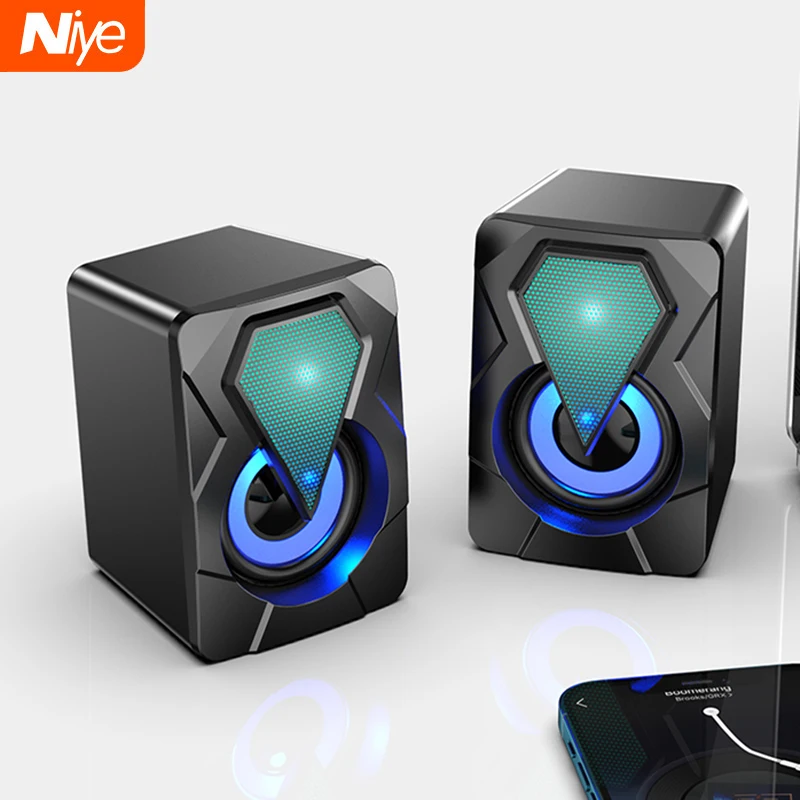
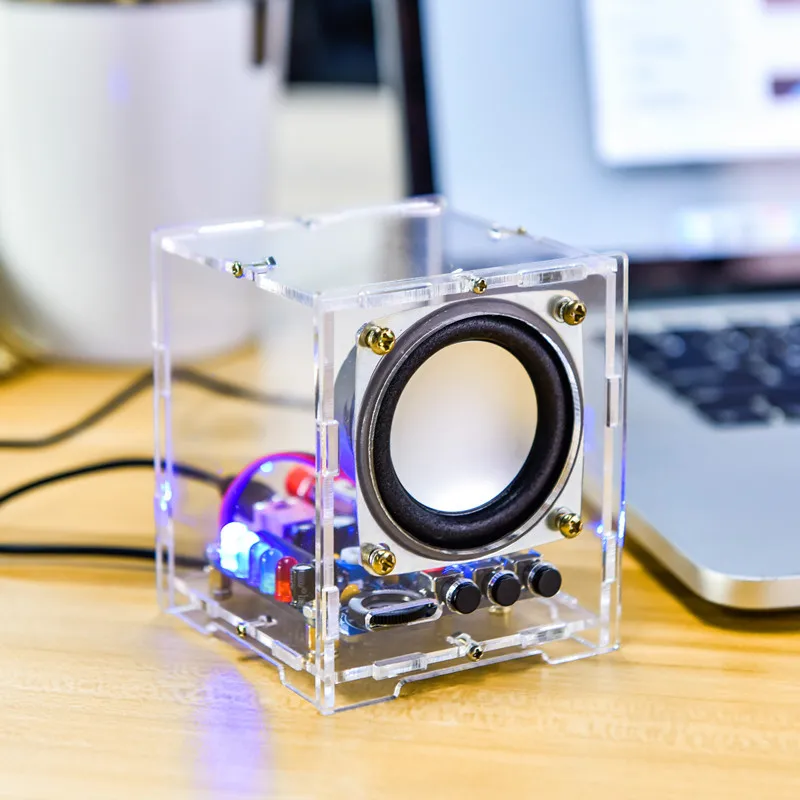
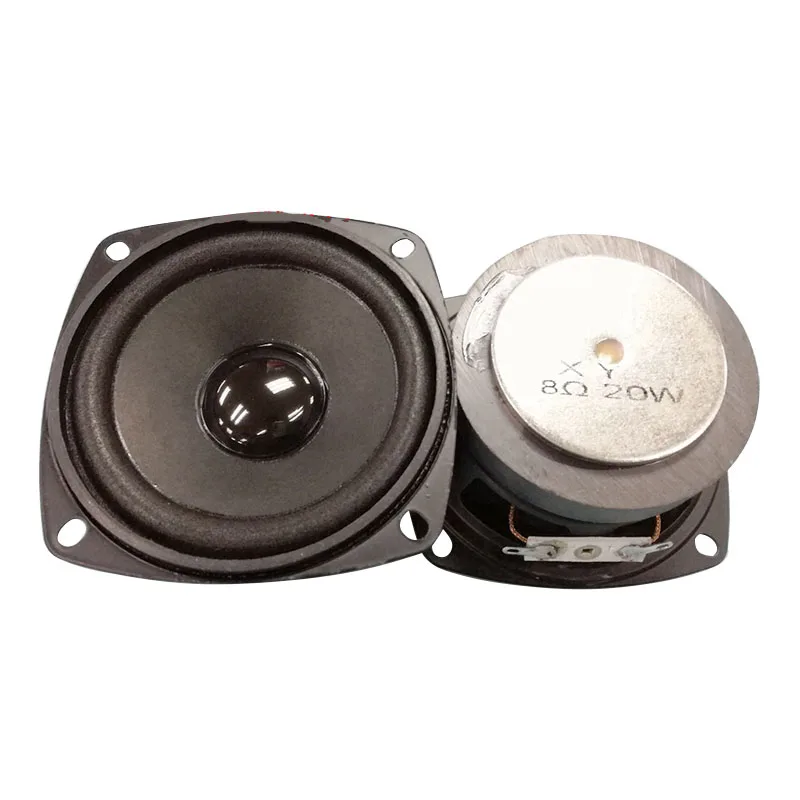

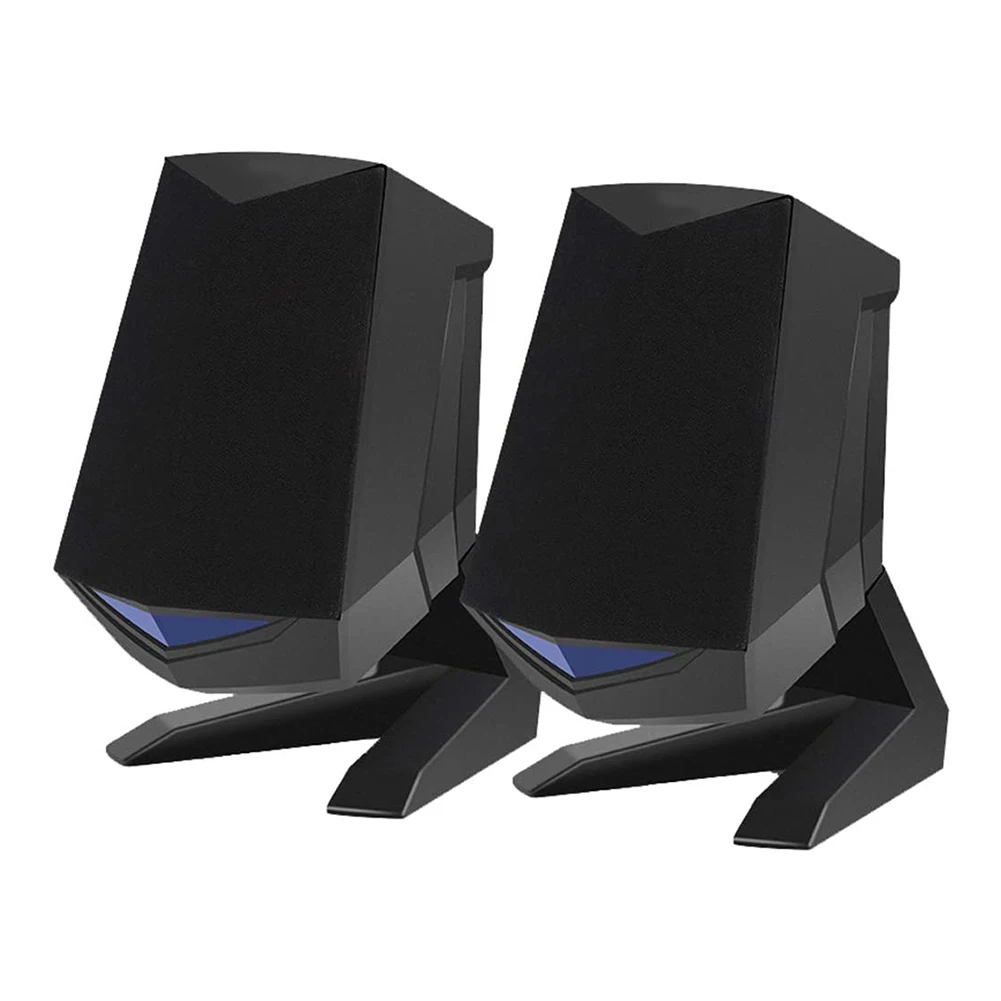
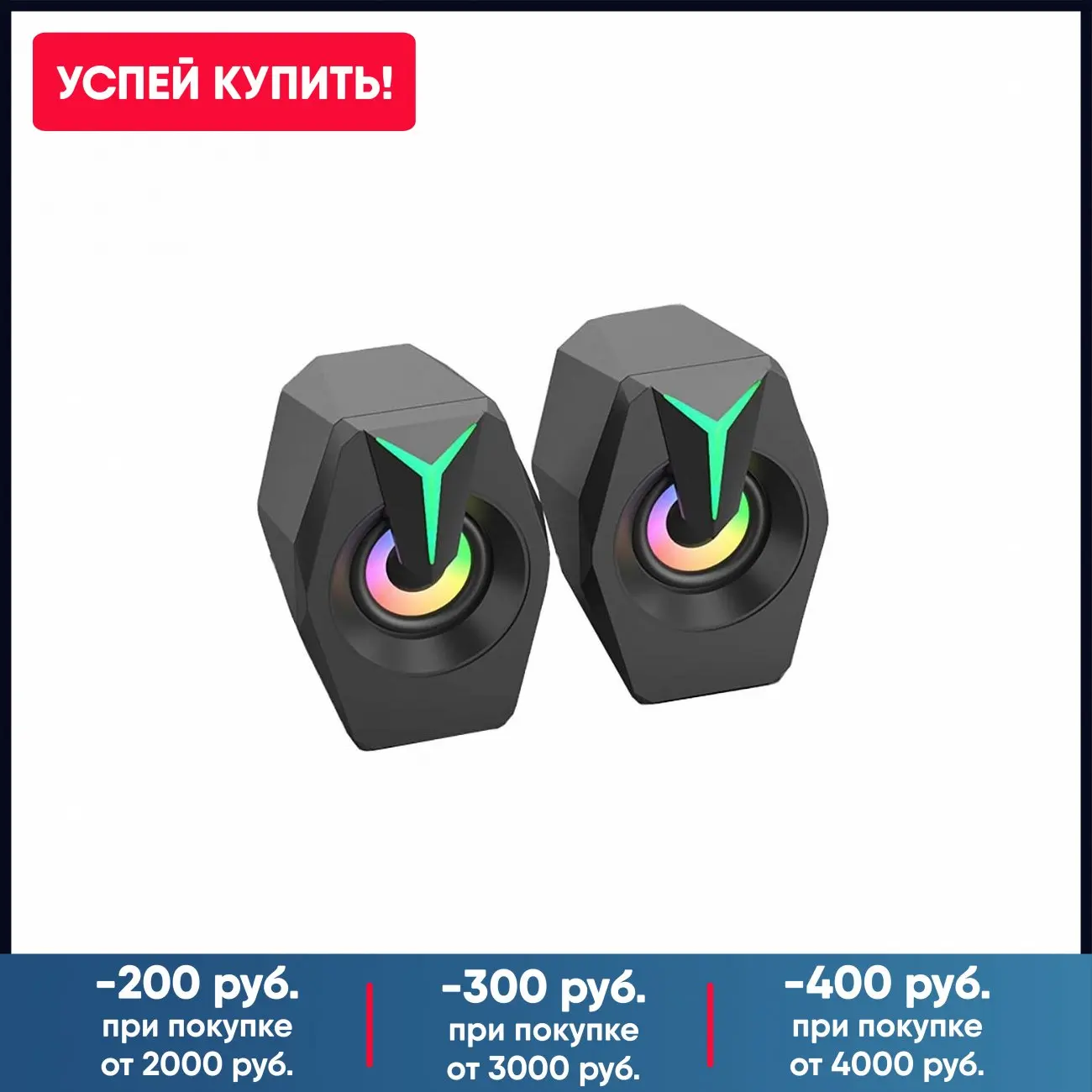


Отзывы о Bluetooth 6D Surround Soundbar With RGB Light Speakers Computer Wired Stereo Bass Subwoofer for Laptop PC Home Theater | Электроника
Отзывы о товарах