


Характеристики
1. Performance and characteristics:
1) Using 24-bit audio DSP, 96KHz/24Bit dual decoding ADC and DAC digital processing chip, good sound quality performance. Support HDCD, AC3, DTS, PCM, Dolby digital, Dolby Prologic Ⅱ and other decoding, automatic signal recognition, output analog 5.1 or 2.1 channel audio signal
2. Product features:
1. Decode the DTS/AC-3 source digital audio signal and convert it to an analog 5.1 channel
2. The analog stereo (R/L) signal is converted into an analog 5.1 channel through the audio processing chip
3.2 SPDIF optical fiber input, 1 coaxial coaxial input, 1 stereo stereo input, more complete multi-channel digital audio output brings more convenient switching
3. Interface function:
1. Input interface: optical fiber, coaxial, stereo
2. Output interface: center (CEN), front left (FL), front right (FR), rear left (SL), rear right (SR), heavy bass (SW)
USB playback function: The 5V-OUT USB interface of this product can support MP3 audio files and automatically play
Panel introduction:

1) DC/5V: External DC power adapter 5V/1A input interface (5.5*2.1 round head)
2) POWER: power indicator, the indicator is on when the power is turned on, but not when the power is off
3) Optical (1): Digital optical (Optical) audio input interface 1
4) D1: Digital optical fiber 1 input signal indicator, when the D1 light is on, it means that the selected signal channel is Optical (1) The optical fiber cable for the sound that needs to be played should be linked to this interface
5) Optical (2): Digital optical (Optical) audio input interface 2
6) D2: Digital optical 2 input signal indicator, when the D2 light is on, it means that the selected signal channel is Optical (2) The optical fiber cable for the sound that needs to be played should be linked to this interface
7) Coaxial: digital coaxial (Coaxial) audio input interface
8) D3: Digital coaxial input signal indicator, when the D3 light is on, it means that the signal channel currently selected is Coaxial. The optical fiber cable for the sound that needs to be played should be linked to this interface
9) Aux: Analog stereo 3.5mm input interface, when all the signal lights are off, the selected channel is Aux. The analog stereo line that needs to be played should be linked to this interface
10) Input: Input signal channel cycle selection button, you can select the desired channel with one key, press it to jump to the next channel, and the corresponding indicator light will be on, for example, the current signal selection is Optical (1), at this time D1 is on, press once to select the next channel Optical (2), then D2 is on... and so on
11) 2.1/5.1: This button is to switch between 2.1 and 5.1 channels
12) USB playback function: When the signal Aux is in the state, insert the USB flash drive with MP3 audio files into the USB interface, and the audio files in the USB flash drive will be played automatically
Rear panel introduction:

1) CEN/SW: This interface is a standard 3.5 headphone jack, there are two audio channels inside: the middle configuration channel and the subwoofer channel
2) FL/FR: This interface is a standard 3.5 headphone jack, there are two audio channels: left front channel and right front channel
3) SL/SR: This interface is a standard 3.5 headphone jack, there are two audio channels: left surround channel and right front channel
4) 5V-OUT: This interface is a standard USB interface, which can provide a +5V power supply, and can also be used as an audio MP3 U disk for playback
Operation guide:
1) The decoder is connected to XBOX360, PS2, PS3, HD player, Blu-ray DVD, computer (with optical or coaxial output sound card), DVD, digital TV set-top box, HD TV and other high-definition playback devices. The playback device must output audio Set as digital signal output
2) Connect the playback device and the audio decoder with optical fiber cable, coaxial cable, and audio cable, and use the audio cable to connect the decoder output to the 5.1 amplifier or active speaker
3) When turning on and off the decoder, please follow the prescribed sequence:
Power on: audio source -> decoder -> power amplifier (or active speaker)
Shut down: power amplifier (or active speaker) -> decoder -> audio source
4) Selection of input signal: In the digital audio decoding mode, press the Input button on the front panel to switch, fiber 1 corresponds to D1 light on, fiber 2 corresponds to D2 light on, coaxial corresponds to D3 light on, and AUX corresponds to D1, D2, and D3 are off
5) Selection of 5.1 channel and 2.1 channel output: in digital audio decoding mode, press 2.1/5.1 key to switch
6) If you need to play audio files: select the signal to the Aux channel, and then insert the U disk with MP3 audio files into the USB interface, and the audio files in the U disk will be played automatically
Technical Parameters:
1) Power adapter: DC 5V/1A (AC 100-240V to DC 5V/1A)
2) Separation: 85dB (1KHz)
3) Signal-to-noise ratio: 120dB
4) Frequency response: 20Hz-20KHz (±5dB) super bass 20Hz-200Hz
5) Output level: 2.2V
6) Product size: 108mm*75mm*26mm
7) Working environment: -20℃-40℃
Common troubleshooting:
1. No sound: First determine whether the power supply of the decoder is normal, determine whether the channel is selected correctly, and ensure that the link line is good. (Detecting the link line can be checked by linking other devices to check whether it is normal)
2. If the signal channel selection is in the correct state, then check the signal source (DVD, PS4, XBOX360 and other playback devices) is set correctly, if the link is an optical cable, please set the audio output to optical output; if the link is Copper shaft, please set the audio output to copper shaft output.
3. After the above settings are complete, there is still no sound, check whether the link of the sound amplifier (power amplifier audio) is correct. If your power amplifier or speaker supports multiple signal inputs, please select the corresponding channel, otherwise there will be no sound



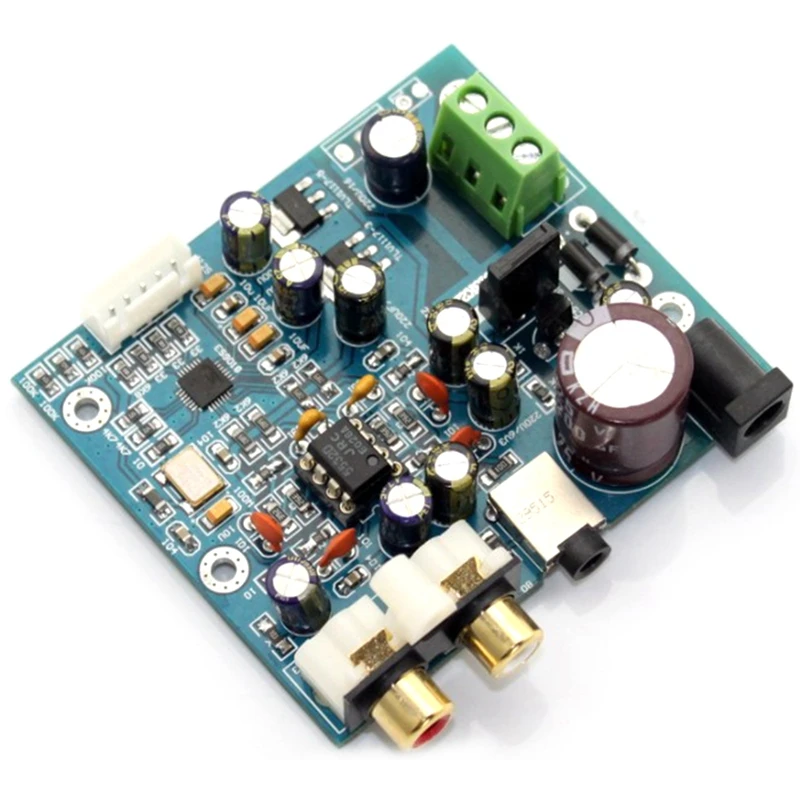

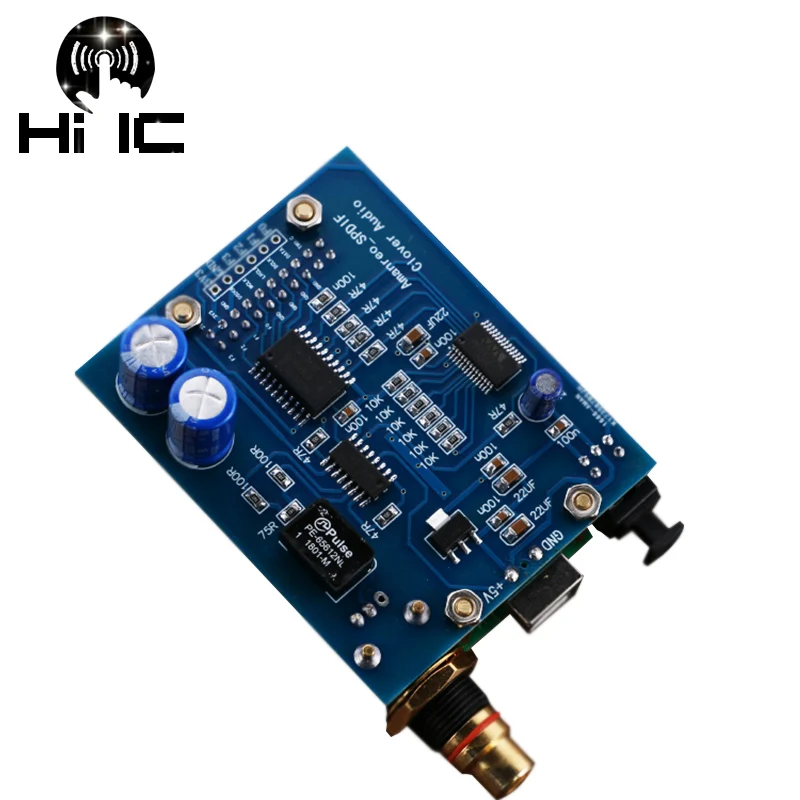
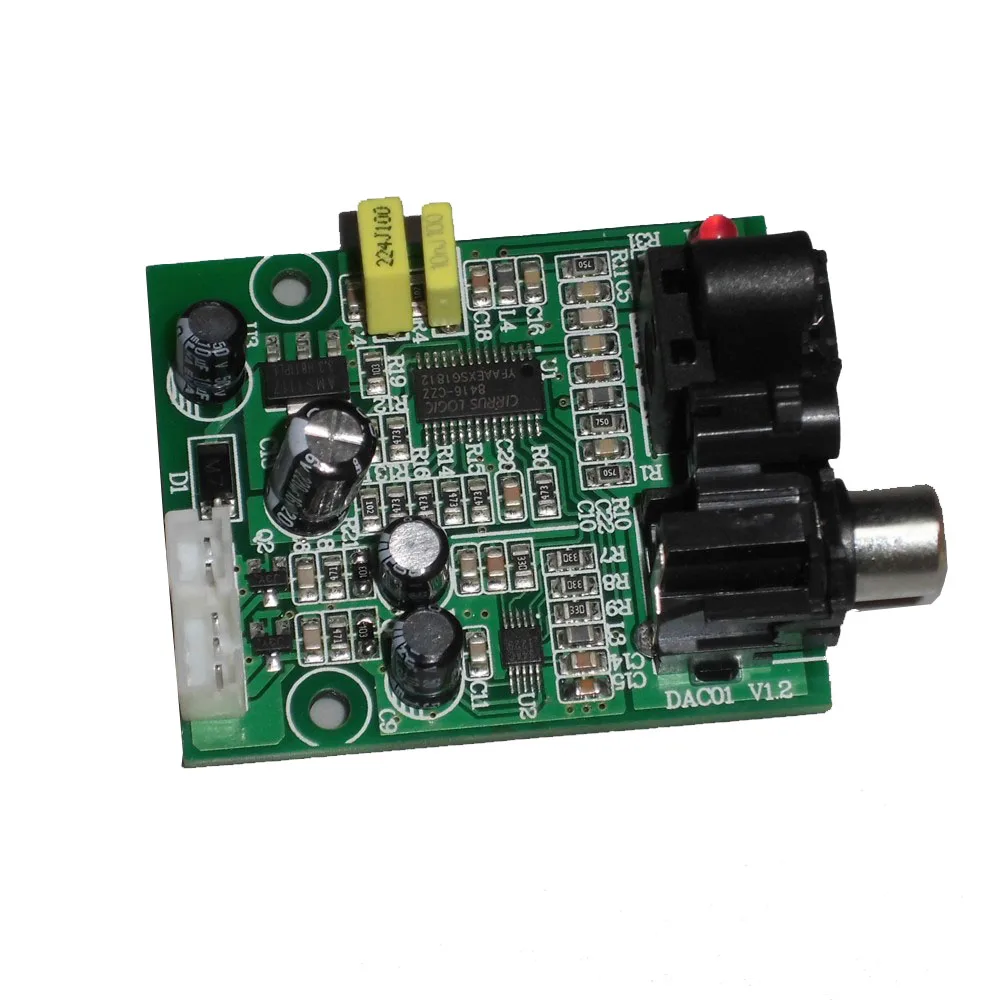


Отзывы о Caldecott 5.1 CH audio decoder SPDIF Coaxial to RCA DTS AC3 Optical digital Amplifier Analog Converte amplifier HD Audio Rush |
Отзывы о товарах